
Zeenat Mazhar runs a free 30-minute session to audit your Custom Audience setup and map out exactly which audiences to build for maximum retargeting ROI.
Custom Audiences are how serious Meta advertisers separate themselves from advertisers who rely entirely on Meta's broad targeting. They are the foundation of profitable retargeting, the seed for high-performing Lookalike Audiences, and the secret behind brands that scale ad spend without ACoS exploding. This is the complete 2026 setup guide for every Custom Audience type — what they are, how to build them step-by-step in Meta Ads Manager, and the size and refresh-rate best practices that determine whether they actually work.
01 Why Custom Audiences Matter More in 2026
Detailed interest targeting is becoming less reliable as Meta deprecates targeting parameters and the algorithm increasingly favours broad targeting. The leverage has shifted to your first-party data — the website visitors, customer lists, engagement events and video viewers that you own. Custom Audiences are how you turn that first-party data into actionable advertising audiences.
The brands consistently outperforming on Meta in 2026 follow the same pattern: cold acquisition runs broad with strong creative, but the real ROI comes from sophisticated retargeting and Lookalikes built on Custom Audiences. A brand with 10 well-structured Custom Audiences will outperform a brand with none, even at the same ad spend, because retargeting consistently delivers 3-5x the ROAS of cold acquisition.
02 The Six Custom Audience Types You Can Build
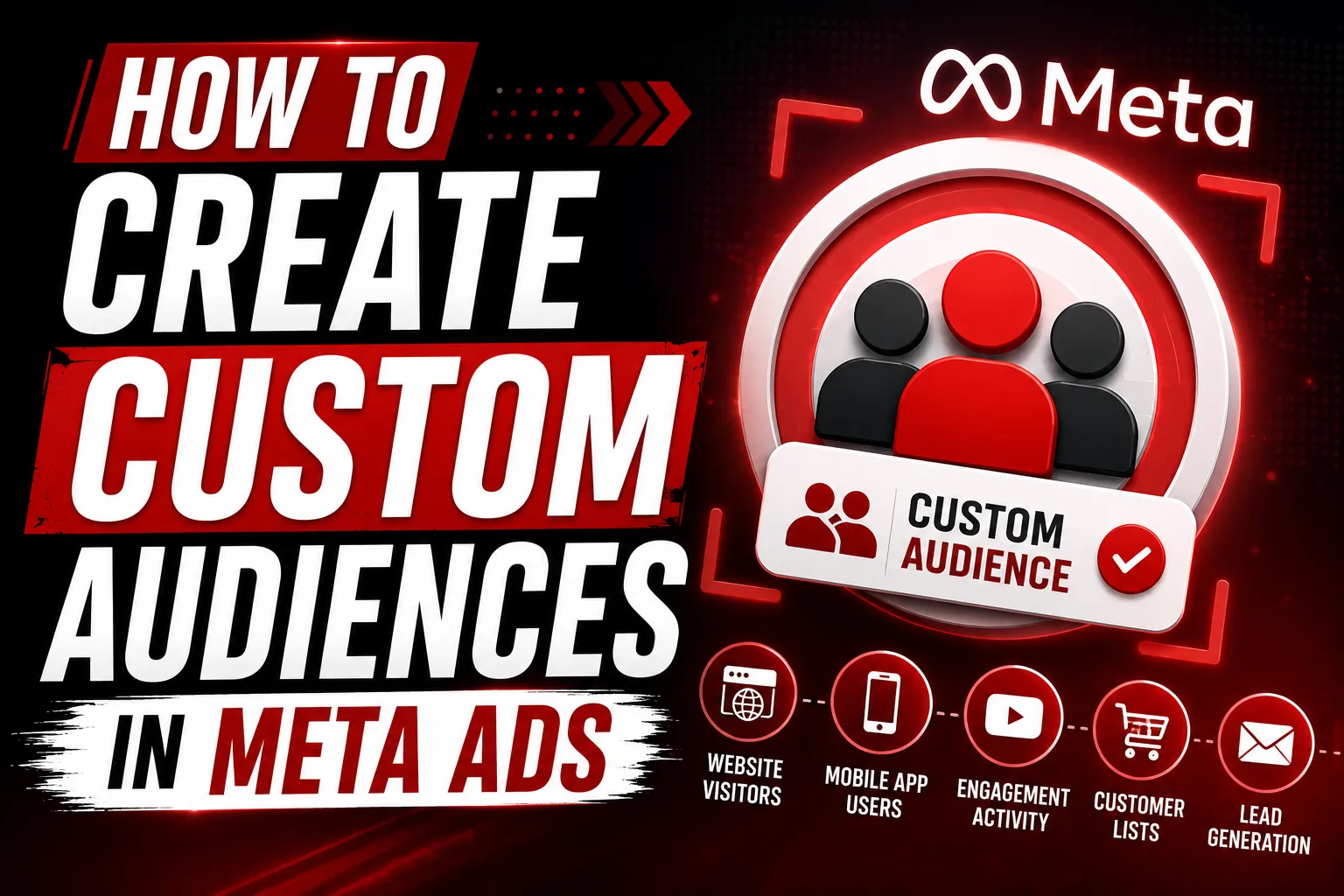
Meta gives you six core Custom Audience types, each fed by a different data source. The goal is usually to build several of each so you have audience inventory for every funnel stage and creative angle.
- Website Custom Audiences — visitors tracked by your Meta Pixel and Conversions API.
- Customer List Audiences — uploaded from your CRM, email list, or customer database.
- App Activity Audiences — if you have a mobile app with the Meta SDK installed.
- Engagement Audiences — people who interacted with your Facebook Page, Instagram profile, or specific posts.
- Video Audiences — viewers of your video ads, segmented by watch percentage.
- Lead Form Audiences — people who opened or completed Meta Lead Forms.
Lookalike Audiences are technically a separate audience type, but they are built FROM Custom Audiences, so we cover them in the same flow.
03 Step 1: Website Custom Audiences (Setup From Pixel)
Website Custom Audiences are the single most important Custom Audience type for ecommerce and lead generation. They allow you to retarget specific page views, cart abandoners, checkout starters and converters.
Prerequisites
You need a working Meta Pixel installed on your site, plus Conversions API (CAPI) for accurate post-iOS 14 tracking. If you do not have CAPI installed, retargeting audience sizes will be 30-50% smaller than they should be.
Step-by-step setup
- Go to Audiences in Meta Ads Manager (under Assets).
- Click Create Audience → Custom Audience → Website.
- Select your Pixel from the dropdown.
- Choose the event or page (e.g., "All website visitors," "Add to cart," specific URL).
- Set retention window: 7, 14, 30, 60, 90, or 180 days. 30 days is the standard default.
- Name the audience descriptively (e.g., "ATC 30 days").
- Click Create Audience.
Build separate audiences at each funnel stage: All Visitors (180 days), Page View (90 days), Add to Cart (30 days), Initiate Checkout (14 days), Purchase (180 days). Then build Lookalikes from each. This gives you 10+ usable audiences from one pixel.
04 Step 2: Customer List Audiences
Customer List Audiences let you upload a CSV of customer emails (or phone numbers, names, etc.) and Meta matches them to user accounts. The match rate is typically 50-75% depending on data quality.
How to set up
- Export your customer list as CSV. Include columns for email, phone, first name, last name, country if possible.
- In Meta Ads Manager → Audiences → Create Audience → Custom Audience → Customer List.
- Confirm you have rights to use the data (Meta requires consent confirmation).
- Upload your CSV. Meta will hash the data on upload — emails are never sent in plain text to Meta servers.
- Wait 30-60 minutes for matching. You will see a match rate percentage when complete.
Useful customer list audiences to build: all customers, customers who bought once, repeat customers, VIPs (top 10% by LTV), churned customers (no purchase in 90+ days), email subscribers who never purchased.
05 Step 3: Video Engagement Audiences
Video audiences are highly underused. Anyone who watches your video ads gives you a powerful retargeting signal because they have already engaged with your brand.
Setup
- Audiences → Create Audience → Custom Audience → Video.
- Choose engagement level: 3 seconds, 10 seconds, 25%, 50%, 75%, or 95% watched.
- Select the videos to include (or all videos from your page).
- Set retention: 30-365 days depending on use case.
Best practice: build audiences at multiple thresholds. "Watched 25%" is a warm audience suitable for retargeting cold-cycle reactivation. "Watched 75%" is a hot audience that often converts at near-customer-list rates.
06 Step 4: Page & Instagram Engagement Audiences
Engagement audiences capture people who interacted with your Facebook Page or Instagram profile — followers, post likers, message senders, ad clickers. These are often your warmest non-customer audience.
Setup
- Audiences → Create Audience → Custom Audience → Facebook Page or Instagram account.
- Choose the engagement type: everyone who engaged, page visitors, post engagers, message senders, etc.
- Set retention (typically 90-365 days for engagement).
- Name and create.
For brands with strong organic Instagram presence, the "Instagram engaged users last 365 days" audience often becomes one of the most profitable retargeting audiences in the account.
07 Step 5: Lead Form Audiences
If you run Meta Lead Forms (instant forms inside Meta for lead generation), you can build audiences from people who opened the form, started it, or submitted it.
Most valuable Lead Form audience: "Opened form but did not submit" — these are warm prospects you can retarget with a different angle or offer to push them through. Conversion rates on these retargeting campaigns are typically 5-15x cold prospecting rates.
08 Lookalike Audiences (Built From Custom Audiences)
Lookalike Audiences are Meta's most powerful prospecting tool. They take a Custom Audience as a seed and find new users who behave similarly. Built correctly, Lookalikes consistently outperform broad targeting.
Setup
- Audiences → Create Audience → Lookalike Audience.
- Choose your source (any Custom Audience — works best with 1,000+ matched records).
- Select target country.
- Choose audience size: 1% (most similar, smallest), 2-5%, 6-10% (largest, most diverse).
- Create.
Best source audiences for Lookalikes
- Customer list of highest-LTV customers (top 10% by spend).
- Purchase pixel events from the last 180 days.
- Video viewers who watched 75%+ of your best-performing video ads.
- Engaged Instagram followers from the last 365 days.
09 Audience Size: When Bigger Is Better, When Smaller Wins
Audience size matters more than most advertisers realize. Audiences that are too small underperform because the algorithm cannot optimize properly. Audiences that are too large lose targeting specificity.
- Minimum audience size: 1,000 people. Below this, results are unreliable.
- Ideal for retargeting: 5,000 - 100,000 people. Tight enough for relevance, big enough for stable performance.
- Ideal for prospecting Lookalikes: 1-3% of country population, which typically means 1M-5M people in major markets.
- Customer list seed for Lookalikes: 1,000-50,000 matched records. Beyond 50K, the seed signal dilutes.
10 Audience Refresh Strategy
Custom Audiences are not "set and forget." They need ongoing refresh to stay relevant.
Website audiences refresh automatically as long as your Pixel keeps firing. No manual action needed.
Customer list audiences need to be reuploaded monthly with new customer data. Set a recurring calendar reminder.
Lookalike Audiences auto-refresh weekly based on the source audience. If your source audience grows, your Lookalike updates accordingly.
Engagement audiences refresh automatically based on real-time engagement.
11 Privacy and Compliance in 2026
Meta enforces stricter privacy rules every year. The non-negotiable practices in 2026:
- Display a cookie consent banner on your website that explicitly mentions Meta Pixel.
- Honour user consent — if a user opts out, do not fire Pixel events for them.
- For customer list uploads, confirm you have GDPR-compliant consent for marketing.
- Update your privacy policy to disclose Meta Pixel and CAPI usage.
- Use Meta's Limited Data Use (LDU) flag for California users to comply with CCPA.
12 Common Custom Audience Mistakes
The mistakes we see consistently in audits.
- Only building one audience. Sophisticated accounts have 15-30 active Custom Audiences. Build for every funnel stage.
- Retention windows too short. 30 days is the default, but 90-180 days often captures more high-value retargeting opportunities.
- Never uploading customer lists. This is your highest-LTV seed for Lookalikes. Upload monthly.
- Skipping CAPI. Without it, your audience sizes are 30-50% smaller than they should be.
- Building Lookalikes from low-quality seeds. A Lookalike is only as good as its seed. Always start with your highest-quality audience.
- Not segmenting by funnel stage. Different audiences need different creative. Lumping everyone into one retargeting audience hides which segment converts.
⌖ The Bottom Line
Custom Audiences are the single highest-leverage tool inside Meta Ads. Brands that build them systematically — multiple audiences per funnel stage, regular customer list uploads, well-seeded Lookalikes — consistently outperform brands that rely on broad targeting alone. The technical setup takes a few hours. The ongoing strategy takes discipline. The ROI compounds for years.
If you have a Meta account and have not built at least 10 Custom Audiences yet, start today. It is the fastest, highest-leverage improvement you can make to your paid social performance.
Want help building your Custom Audience strategy?
Skill Zone audits your existing audiences and maps out the full audience architecture your account needs for profitable retargeting and Lookalike-driven scaling. Free 30-minute session.