
Zeenat Mazhar, CEO & Founder of Skill Zone, runs a free 30-minute session to audit your listing and map out the keywords actually driving conversions in your category.
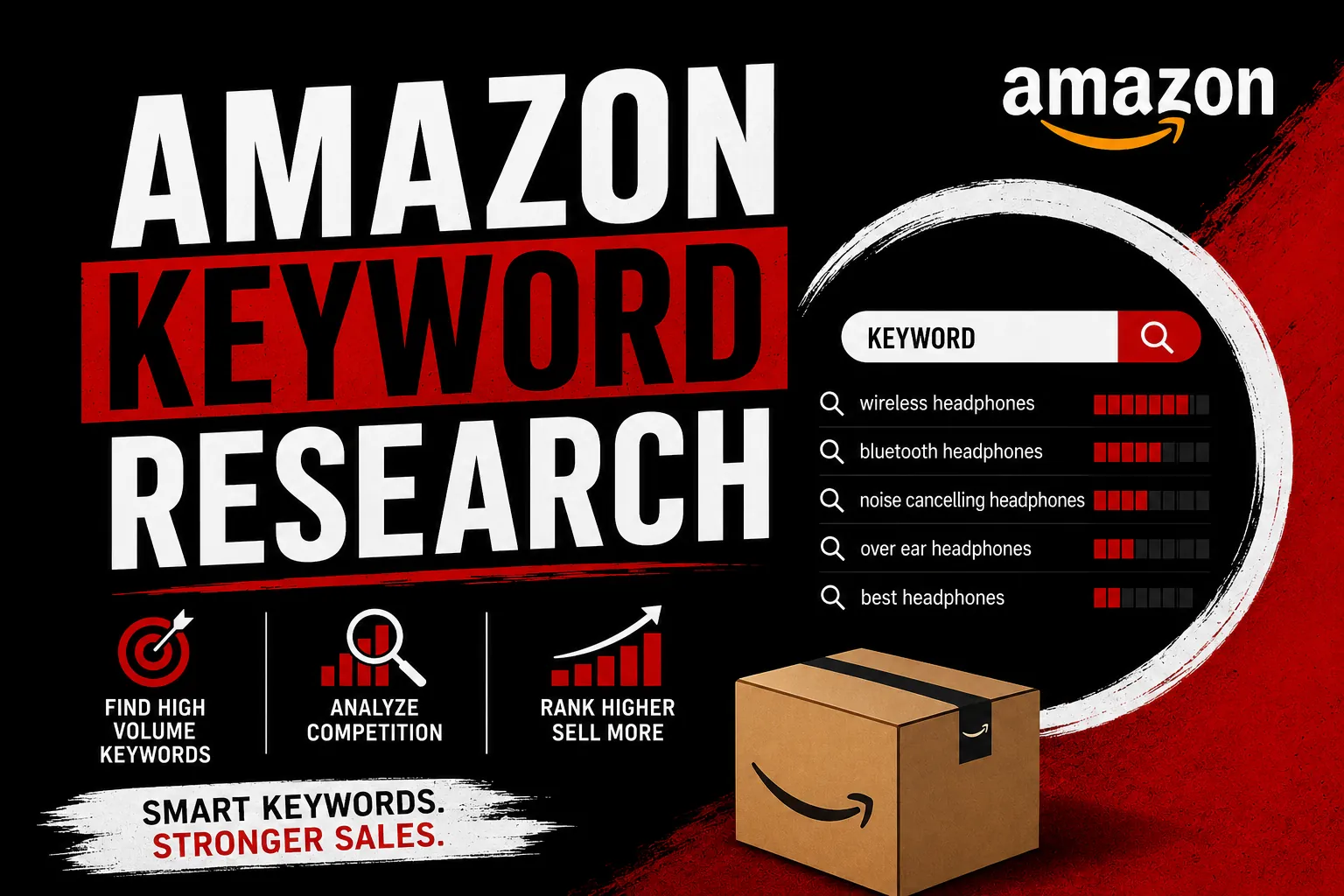
Keyword research is the single highest-leverage activity in Amazon selling. Get it right and your listing surfaces to thousands of qualified buyers organically. Get it wrong and you spend the rest of the product's life paying PPC to compensate for terms you should have ranked for organically from the start. This is the complete 2026 methodology — the exact process we use at Skill Zone across 41+ successful product launches, including which tools to use, which data sources actually matter, how to handle backend search terms, and the common mistakes that quietly kill listing performance.
01 Why Amazon Keyword Research Is Different From Google SEO
The single biggest mistake new Amazon sellers make is treating Amazon keyword research like Google SEO. They are fundamentally different systems with different shopper behaviour. Google users are often researching, comparing, or browsing — they type questions, descriptive phrases, and long-form queries. Amazon users are buying. They type the exact product they want, with modifiers that describe the specific version of the product they intend to purchase.
This changes everything about your keyword strategy. On Amazon, "stainless steel water bottle 32oz with straw" is a high-intent buyer query. On Google, the same query could be a researcher comparing options across five blog posts. Amazon's A10 algorithm rewards keywords that drive conversions, not just clicks. That means your job is to rank for the keywords that real buyers type — not the broad informational keywords that drive curious traffic.
02 The Four Types of Amazon Keywords You Must Target
Every successful listing covers four distinct keyword categories, each playing a different role in your overall ranking and conversion strategy.
- Primary keywords — the 5-10 highest-volume, highest-intent terms that describe your core product. These belong in your title and the first bullet point.
- Secondary keywords — supporting terms that buyers use as variations. Slightly lower volume but still high intent. These fill out your bullet points and product description.
- Long-tail keywords — specific, descriptive phrases with lower volume but extremely high conversion rates. "Stainless steel water bottle BPA free leak proof gym" is long-tail. These belong in your bullet points, description, and backend.
- Backend-only keywords — misspellings, synonyms, alternative names, Spanish translations, related categories. These go exclusively in your backend search terms field, never in visible copy.
The failure mode for most sellers is targeting only primary keywords and ignoring the long tail. The long tail is where the conversions live. A single primary keyword with 50,000 monthly searches might drive 30 organic sales per month. A combination of 50 long-tail keywords with 500 searches each can drive 200+ organic sales per month at a much higher conversion rate.
03 The Primary Keyword Research Tools That Actually Matter
You do not need every Amazon tool on the market. You need three that complement each other.
Helium 10 remains the most complete suite for Amazon-specific keyword data. Cerebro for reverse ASIN lookups, Magnet for keyword expansion, Frankenstein for deduplication. The data is sourced from Amazon's own search results and is updated frequently enough to trust for production decisions.
Jungle Scout is the strongest alternative, with Keyword Scout offering similar reverse ASIN functionality and a cleaner UI. Many sellers run both because the keyword databases differ slightly — each finds opportunities the other misses.
Amazon Brand Analytics is the most underused tool in the entire ecosystem. If you are Brand Registered, you have access to Amazon's actual search query performance data — real buyer searches, real conversion rates, real click share. No third-party tool can match this because Amazon never licenses its raw query data. If you are not using Brand Analytics weekly, you are leaving money on the table.
04 Reverse ASIN Lookups: The Single Most Powerful Technique
Reverse ASIN analysis is the foundation of competitive keyword research. You take your top 3-5 competitors' ASINs, run them through Helium 10 Cerebro or Jungle Scout, and extract every keyword each competitor is ranking for. This gives you a complete map of the keyword landscape in your category — sourced from real Amazon ranking data, not estimated search volume.
The technique that separates beginners from professionals is the opportunity score filter. Run reverse ASINs for the top 5 competitors. Filter for keywords where all 5 competitors rank in the top 30. These are the high-volume, high-intent terms you absolutely must rank for. Then filter for keywords where 1-2 competitors rank but 3+ do not — these are the gap opportunities where you can outrank competitors who missed those terms.
05 Search Frequency Rank (SFR) — How to Read It Properly
Search Frequency Rank is the single most important metric in Amazon Brand Analytics. It tells you the relative popularity of a search term across all of Amazon, ranked from #1 (most searched) downward. SFR 1-10,000 is high-volume territory. SFR 10,000-100,000 is mid-volume. SFR 100,000+ is long-tail.
The mistake sellers make is assuming a low SFR (high-volume keyword) is always worth targeting. Often it is not. A keyword with SFR 500 might have 3 dominant brands that share 60% of click share — meaning new sellers will burn ad spend forever without breaking into the top 5. A keyword with SFR 35,000 in the same category might have no dominant brand and a much faster path to top-3 organic ranking.
06 Backend Search Terms: The Hidden Ranking Field
The backend search terms field gives you 250 bytes of keyword space that customers never see — but Amazon's algorithm indexes them for search. This is where you place all the keywords that do not fit naturally in your visible copy: misspellings, synonyms, Spanish translations, alternative names, related use cases.
The rules are strict and most sellers violate them without knowing. Do not repeat words that already appear in your title, bullets, or description (Amazon ignores duplicates). Do not use brand names of competitors (this can trigger a listing suspension). Do not use punctuation, commas, or quotation marks — just space-separated words. Do not use ALL CAPS. Do not include phrases that violate Amazon's content guidelines (medical claims, comparison phrases, etc.).
Done right, backend search terms can add 30-50% more indexed keywords to your listing without any visible change. Done wrong, they get ignored or trigger a violation that suppresses your listing entirely.
Use all 250 bytes. Include misspellings of your primary keyword. Add Spanish translations for the US market (10-15% of US Amazon traffic). Include related use case keywords. Never repeat words already in your visible copy. Update quarterly based on new search-term data.
07 Keyword Mapping: Title, Bullets, Description
Knowing which keywords to target is half the battle. The other half is placing them correctly across your listing structure.
Title structure (the highest-weight ranking field)
Lead with your primary keyword first. Amazon's algorithm gives the first 80 characters of your title the most ranking weight. Structure: [Brand Name] + [Primary Keyword] + [Key Feature] + [Secondary Keyword] + [Use Case]. Avoid stuffing — Amazon punishes obvious keyword stacks. Read the title aloud; if it sounds robotic, rewrite it.
Bullet points (the conversion field)
Each bullet should target 1-2 secondary keywords while addressing a specific buyer objection. Bullet 1: primary benefit + biggest keyword group. Bullet 2: differentiation + secondary keywords. Bullet 3: technical specs + long-tail keywords. Bullet 4: use cases + lifestyle keywords. Bullet 5: warranty/guarantee + trust keywords.
Description and A+ Content
The description field weighs less for ranking but still affects keyword indexing. Cover your secondary and long-tail keywords here in natural sentences. A+ Content modules are not indexed for SEO but are critical for conversion — and conversion drives ranking through Amazon's velocity signals.
08 The PPC-to-SEO Feedback Loop Most Sellers Miss
Your keyword research does not end at launch. The most powerful keyword discovery happens after your listing is live and running ads. Your PPC search term reports show you exactly which customer queries are converting on your product — including queries no third-party keyword tool would ever surface.
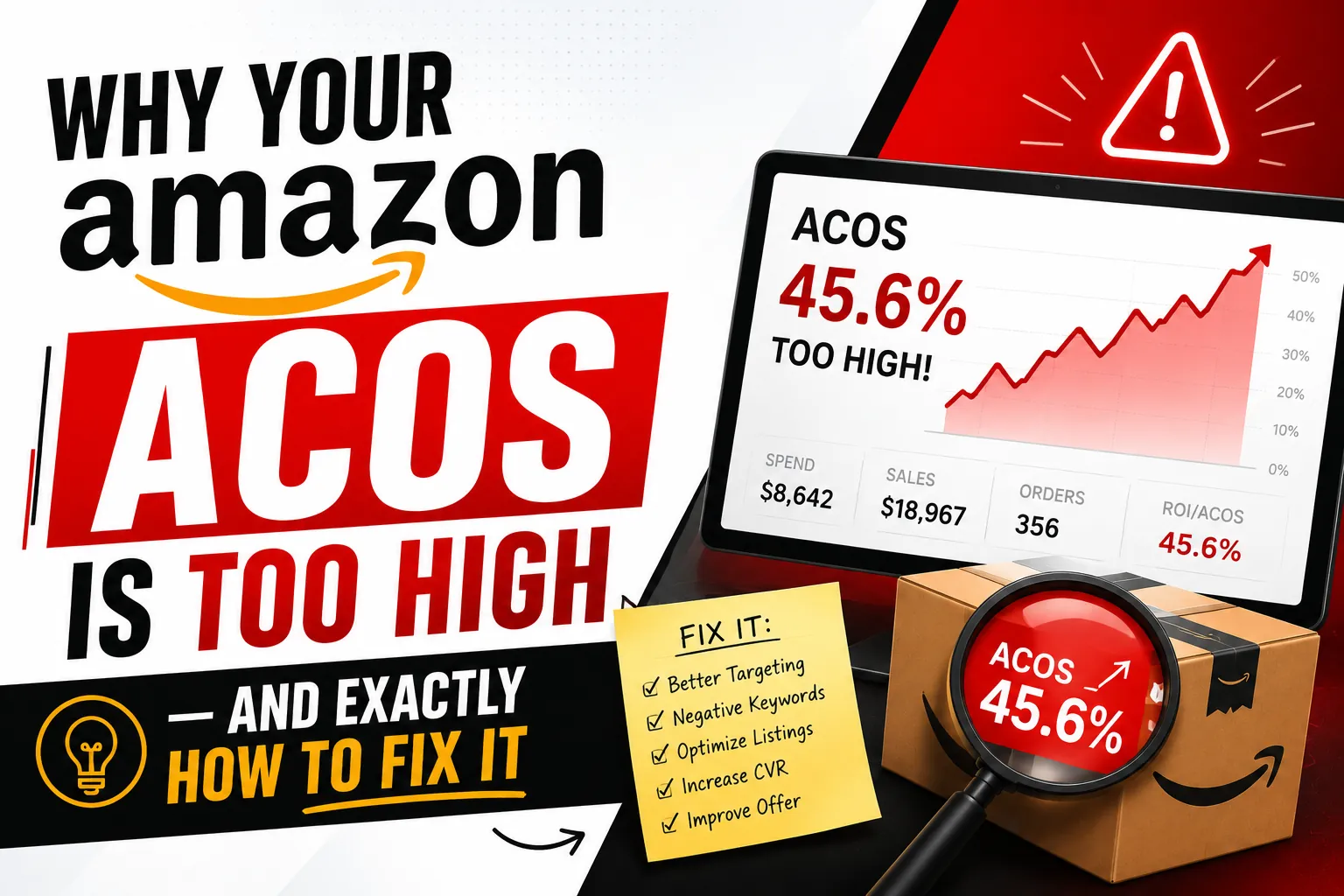
The workflow: run broad and auto-targeting PPC campaigns aggressively in the first 60 days. Pull search term reports weekly. Identify every customer query that has converted at least once. Move converting terms into exact match campaigns with higher bids. Then add the same terms to your listing's visible copy where they fit naturally, or to your backend if they do not.
This creates a self-reinforcing loop. PPC discovers converting keywords. Listing updates capture those keywords organically. Organic ranking improves. PPC dependence decreases. ACoS drops. Profit margin rises. This loop is what separates 6-figure sellers from 7-figure brands.
09 Common Keyword Research Mistakes That Kill Listings
The mistakes below come up in roughly 70% of underperforming listings we audit. Fix these first before adding new keywords.
- Keyword stuffing in the title — Amazon's algorithm flags titles that read like keyword lists. Rewrite for human readability.
- Ignoring search intent — ranking for a keyword that does not match your product wastes traffic. Your conversion rate will be terrible.
- Targeting keywords that are too competitive — top 5 dominated by entrenched brands means even unlimited ad spend cannot break in. Find better targets.
- Skipping backend search terms entirely — most sellers leave this field empty. It is free ranking space being thrown away.
- Repeating words across listing fields — Amazon indexes each keyword once. Repeats waste valuable space.
- Never updating keywords — buyer search behaviour shifts every quarter. Listings need refresh every 90 days minimum.
- Ignoring Brand Analytics — if you are Brand Registered and not using it weekly, you are flying blind.
10 Building Your Keyword Master List (Practical Workflow)
Here is the exact workflow we use at Skill Zone for every keyword research project. Follow it step by step.
- Pull top 5 competitor ASINs — choose competitors at the same price point and feature set, not just the bestseller.
- Run reverse ASIN in Helium 10 Cerebro for each competitor. Export all keywords ranking in top 30.
- Combine into one master sheet — deduplicate with Frankenstein or manual filtering.
- Pull Magnet expansion on your top 3-5 seed keywords to catch keywords competitors are missing.
- Cross-reference with Brand Analytics — if Brand Registered, pull SFR data for the top 100 keywords and verify search volume estimates.
- Categorize — primary, secondary, long-tail, backend-only.
- Score by opportunity — volume × intent × competition. The highest opportunity scores get the most visible placement.
- Map to listing structure — title, bullets, description, backend.
- Launch, monitor, iterate — review search-term reports weekly for the first 90 days, then monthly.
11 Why Most Sellers Need a Quarterly Keyword Refresh
Amazon's marketplace is not static. New competitors enter every week. Buyer search behaviour shifts with trends, seasons and external events. Amazon updates its A10 algorithm continuously. A listing that ranks #3 for your primary keyword today can drop to #15 in six months without any change on your part — simply because the competitive landscape moved around you.
The serious sellers we work with run a full keyword audit every 90 days. They rerun reverse ASIN on competitors (who may have changed). They check Brand Analytics for shifts in search query rankings. They review their own search-term reports for new converting queries. They refresh backend search terms, update bullet points where new keywords have emerged, and tweak titles where competitor positioning has shifted. This is the work that separates listings that stay at the top from listings that quietly slide down.
12 When to Hire Help vs Do It Yourself
If you are launching your first product and want to learn the craft, do the keyword research yourself. The workflow above is teachable in 2-3 weeks of focused practice. The learning compounds for every future product you launch.
If you are managing 5+ active products, scaling a multi-SKU brand, or competing in a high-stakes category, hire it out. Professional keyword research at our level takes 8-15 hours per product to do properly, and the opportunity cost of doing it yourself usually exceeds the cost of paying a specialist. At Skill Zone we run keyword research as part of our Listing Optimization and Listing Creation services — typically completing a full audit in 5-7 business days with deliverables you can implement immediately.
⌖ The Bottom Line
Amazon keyword research is not a one-time setup task. It is an ongoing discipline that compounds in value over the lifetime of your brand. Sellers who treat it that way build durable organic ranking that reduces PPC dependence year after year. Sellers who treat it as a launch checkbox stay stuck in expensive ad-driven sales for the entire life of the listing.
The methodology in this guide is exactly what we use across our managed accounts. It works for first-time launches, for stuck listings being rescued, and for established brands competing in saturated categories. The tools and tactics matter less than the discipline — find the keywords your buyers actually use, map them properly to your listing, monitor results, and iterate based on real conversion data.
Want a professional keyword audit on your listing?
Skill Zone runs free 30-minute listing audits — we pull your competitor data, run reverse ASIN analysis, and identify exactly which keywords you are missing. No obligation, just a clear action plan.